
SUPPORT & DELIVERY


What Machine Simulation Really Verifies?
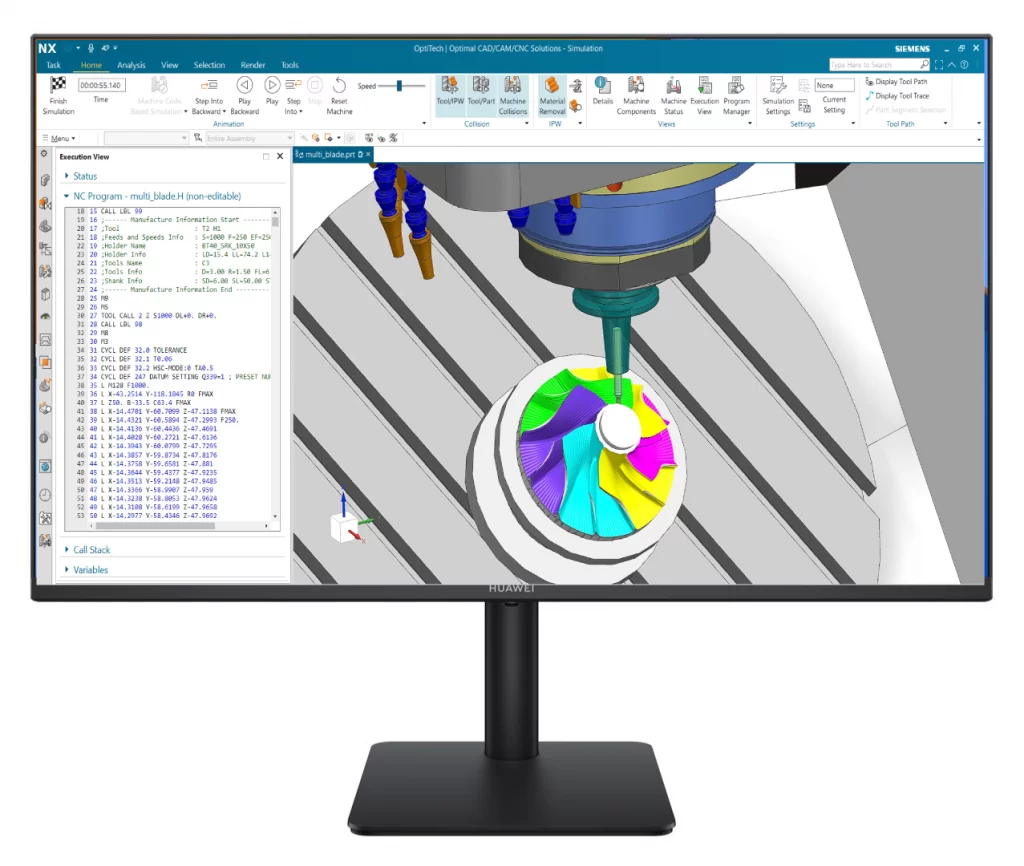
Machine simulation verifies how your CNC machine will actually move, using real NC code, real kinematics, and real controller behavior.
This verification happens after postprocessing — where most CNC risks are introduced.
What Real NC Machine Simulation Detects — Before Machining?
Machine simulation focuses on machine-level risks that CAM toolpath simulation cannot detect..

Detect axis overtravel before the machine runs
Real NC simulation checks actual axis limits, rotary travel ranges, and machine envelopes — not just tool motion.

Catch collisions caused by machine kinematics
Collisions caused by rotary axes, head-table motion, fixtures, or machine structure are detected using real machine geometry.

Verify how the controller actually executes NC code
Machine simulation reflects controller-specific behavior

Reveal unexpected or unsafe machine movements
- Even valid NC code can cause:
- Sudden rotary flips
- Unsafe retract paths
-
Non-intuitive axis combinations
What Is Actually Being Verified Here?
-
The simulation runs postprocessed NC code, exactly as it will be executed on the machine.
-
Machine motion, axis limits, and controller behavior are verified using real kinematics.
-
Any collision, overtravel, or unexpected movement is detected before machining starts.
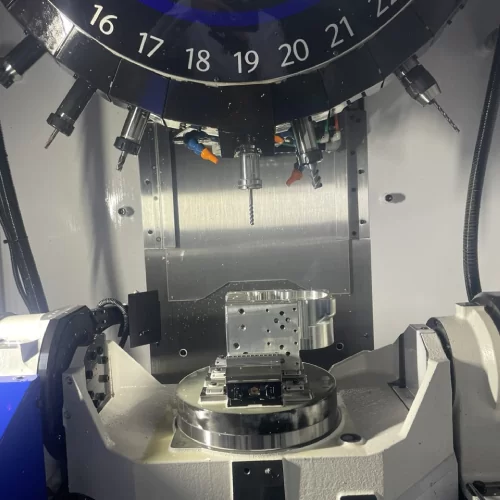
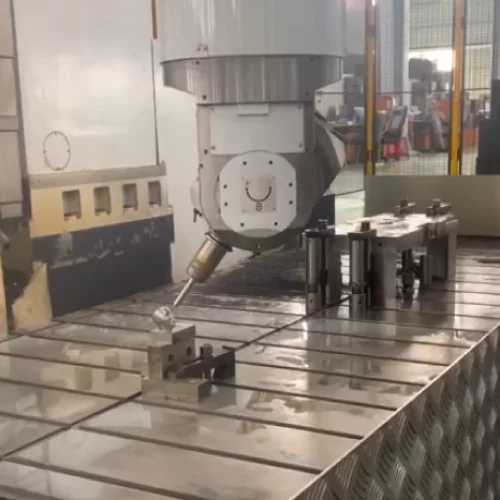
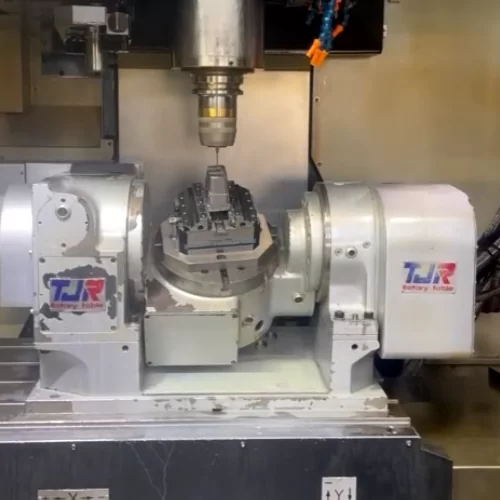
Proven on Real CNC Machines
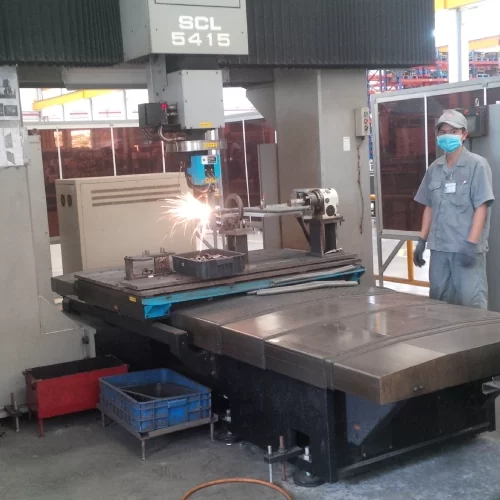
Machine simulation is applied on real production machines,
using real NC code — not demo or idealized setups.
“Every machine behaves differently. That difference is where CNC risks hide.”


Part of the Siemens NX CAM Ecosystem
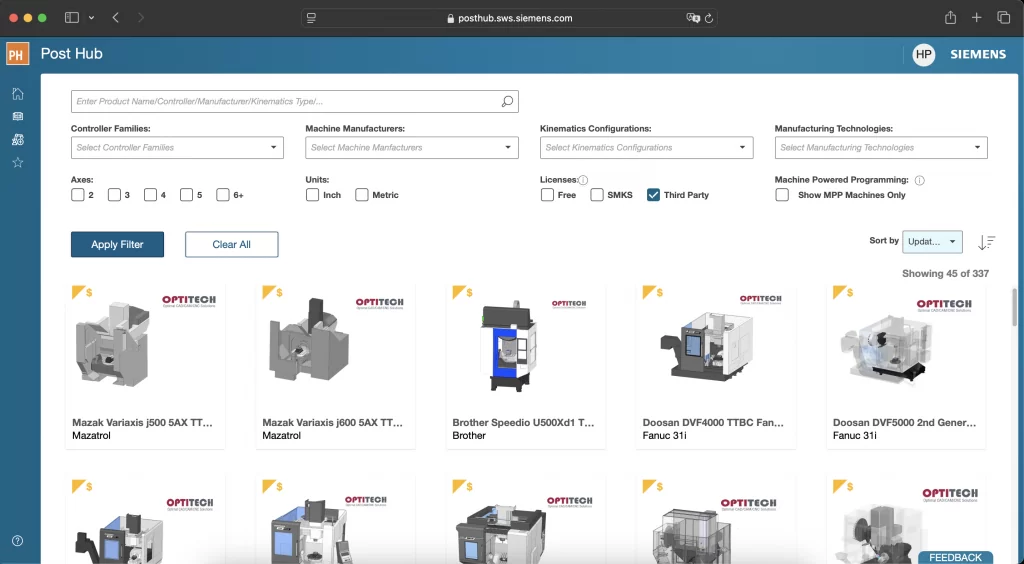
OptiTech postprocessors are delivered and maintained within the Siemens NX CAM ecosystem, supporting standardized deployment and long-term maintainability.
-
Available on Siemens Post Hub
-
Standardized delivery and version control
-
Aligned with Siemens NX CAM workflows
Request a Machine Simulation Demo
Understand how your CNC machine will actually move —
using real NC code and real machine kinematics.